
Download NewPipe APK – Lightweight YouTube Alternative, Free Streaming App, Open-Source Tool
Overview
NewPipe is a free, open-source streaming application designed as a lightweight alternative to the official YouTube app for Android devices. Developed by indie creator Christian Schabesberger, it offers a streamlined experience for users seeking a privacy-focused, ad-free, and efficient way to access YouTube content. The app does not rely on Google’s framework libraries or the YouTube API; instead, it parses YouTube’s website directly to retrieve video data. This architectural choice allows NewPipe to function on devices without Google Play Services, making it accessible to users on older Android versions or devices running custom ROMs. It is particularly useful for those experiencing performance issues, excessive ads, or data-heavy behavior in the official YouTube app. The software is ideal for mobile users who value control, privacy, and offline functionality. It enables users to stream, download, and listen to audio content without requiring a YouTube account. While it does not support account sign-in or viewing history, this omission enhances privacy and reduces resource consumption. Real-world use cases include listening to podcasts or music in the background, downloading videos for offline viewing, and navigating YouTube content without dependency on Google’s ecosystem.Key Features & Capabilities
- YouTube Website Parsing – NewPipe retrieves video data directly from YouTube’s web interface, eliminating the need for the YouTube API or Google’s framework libraries.
- Ad-Free Experience – The app does not display advertisements, offering a clean and uninterrupted viewing experience.
- Background Playback – Users can listen to audio from videos while using other apps or with the screen off.
- Video and Audio Downloading – Content can be downloaded in various resolutions, with customizable save directories.
- Channel Tabs – A recent update introduced a tabbed interface that mimics a YouTube channel’s homepage, organizing content into playlists, live streams, shorts, and more.
- High-Resolution Thumbnails – Improved visual quality for video previews and thumbnails.
- External Player Integration – Users can route playback to third-party video or audio players.
- Customizable Resolution Settings – Default resolution is 360p, but users can adjust quality based on bandwidth and device capabilities.
- Compatibility with Older Devices – NewPipe Legacy maintains support for Android 4.1 to 4.3, catering to users with legacy hardware.
User Interface, Workflow & Performance
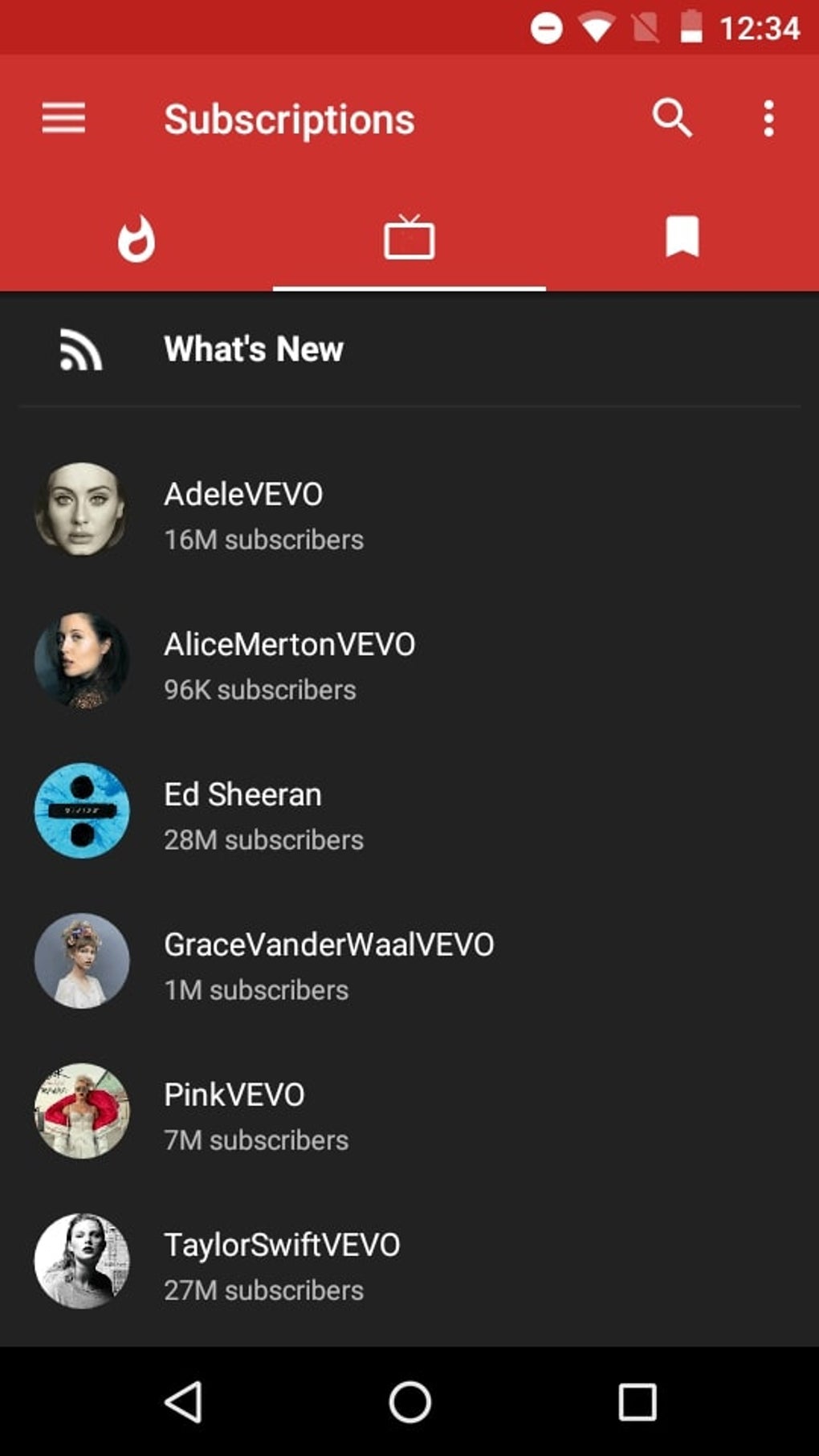
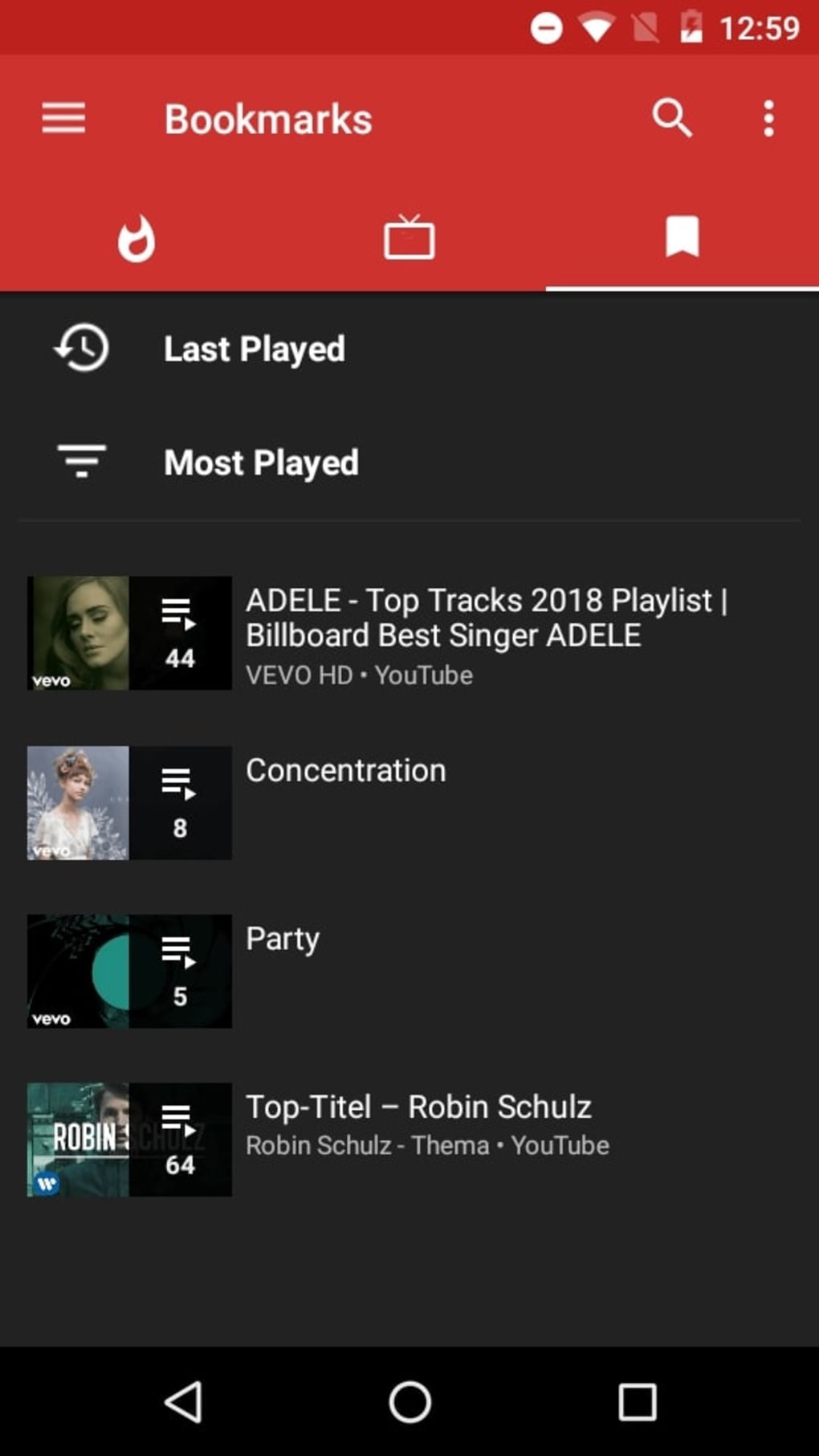
NewPipe features a minimalist, functional interface optimized for speed and simplicity. Navigation is structured around a bottom tab bar and a clean list-based layout, allowing users to browse videos, playlists, and channels with minimal friction. The workflow is straightforward: search, select, play, or download—each action is accessible within a few taps. The app is designed for efficiency, reducing the need for excessive scrolling or complex menus. Performance is generally smooth, especially on mid-range and newer Android devices, though exact resource usage details were not specified. The app’s lightweight nature contributes to low CPU and RAM consumption, making it suitable for devices with limited processing power. Stability is maintained through regular updates, and the absence of background services helps reduce battery drain. However, performance may vary depending on network conditions and the complexity of the content being accessed. The developer did not specify resource usage details, so actual impact on device performance remains subject to individual hardware and usage patterns.Compatibility & System Requirements
NewPipe is designed exclusively for Android devices. The standard version supports Android 5.0 and above, while NewPipe Legacy maintains compatibility with Android 4.1 to 4.3. The app is distributed as an APK file, allowing installation without the Google Play Store. Installation size is not specified, but the app is described as lightweight. The developer did not provide additional system requirements. Compatibility with specific hardware configurations or screen sizes was not mentioned. Users should ensure their device runs a supported Android version to install and use the application. The app does not require a YouTube account or Google services, which broadens its accessibility across diverse device ecosystems.Pros and Cons
Pros
- Free and open-source with no ads or tracking
- Functions without Google Play Services or YouTube API
- Supports background audio playback
- Allows video and audio downloads with customizable save locations
- Highly efficient and lightweight for older devices
- Improved navigation with channel tabs and high-quality thumbnails
- Privacy-focused with no account sign-in or history tracking
Cons
- No support for YouTube account features or viewing history
- Not available for iOS or desktop platforms
- May face instability if YouTube changes its website structure
- Requires manual APK installation (no official app store availability)
- Some advanced YouTube features may be missing or limited
FAQ Section
Is NewPipe safe to download and use?
NewPipe is a free, open-source application developed by a known indie developer. It does not collect user data or install tracking components. However, as it is distributed as an APK, users should download it from trusted sources to avoid tampered versions.
Can I use NewPipe on iOS devices?
No. NewPipe is designed exclusively for Android and is not compatible with iOS, Windows, or Mac operating systems.
Does NewPipe require a YouTube account?
No. The app does not require a YouTube account to view or download content. However, this means viewing history and personalized recommendations are not available.
How do I update NewPipe?
Updates are released periodically by the developer. Users can manually download the latest APK from official sources or trusted repositories to keep the app current.
Can I play downloaded videos with another app?
Yes. NewPipe allows integration with external video or audio players, enabling users to play downloaded content through preferred applications.






.png)
